Welcome to the new ZBS Foundation website.
What's new? Aside from the fresh design, purchasing downloads is now easier. No account needed - simply add your selection to the cart and complete your purchase at checkout. If you choose to create a new account, you can here.
Thanks for visiting. Enjoy.
The Incredible Adventures of Jack Flanders
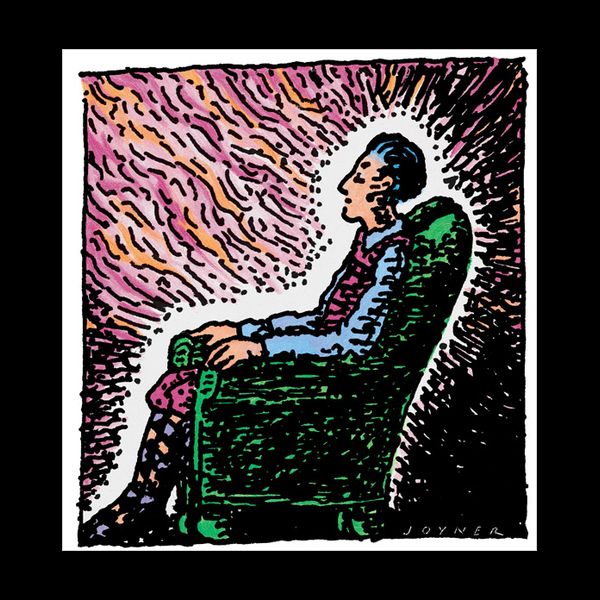
Episode 13
Huge Puff Balls
New episodes every Monday and Friday

If you'd like to hear more about ZBS, our new stories in the works, and whatever else we've been scheming, including our stories about The Zeebers, subscribe to the newsletter. Your email address will never be shared with others. Sign up here

ZBS is a not-for-profit arts organization. We have been in existence since 1970, producing radio/audio stories. These are comic and cosmic adventures, science fiction, mystical mysteries - some with spiritual wisdoms woven within. Read more
Follow ZBS on Instagram and YouTube

You’ll now have access to everything we’ve ever produced, all the Jack Flanders, all the Rubys, all and everything, and for FREE! Gift memberships available - for a month, three months or one year.
What’s the catch? The offer is for 7 days, everything free. After that, for $5 a month you’ll have access to absolutely everything we’ve ever done, and everything we’ll ever do - zbsmedia.com

ZBS Foundation is a not-for-profit arts organization. We have been in existence since 1970. Good grief, that’s a long time. Since the 70s, we've been producing radio & audio stories for discerning ears everywhere. Please do consider making a tax-deductible contribution to help ZBS. Thank you. You are a wonderful person.


We're now offering, for the first time, Ruby & Jack & Mojo stories as Hi-Res downloads.
Hi-Res is for the sound-connoisseur, for you who love to hear all the little details we weave into our stories. This is especially true for Tim’s music, there’s a lot of subtle levels in there. In the last few Ruby’s we’ve been doing, Tim’s music is nonstop. Fulton lets his stories breath, so Tim’s music will accent, underline, comment, and interact with the action. His music creates its own rhythms.

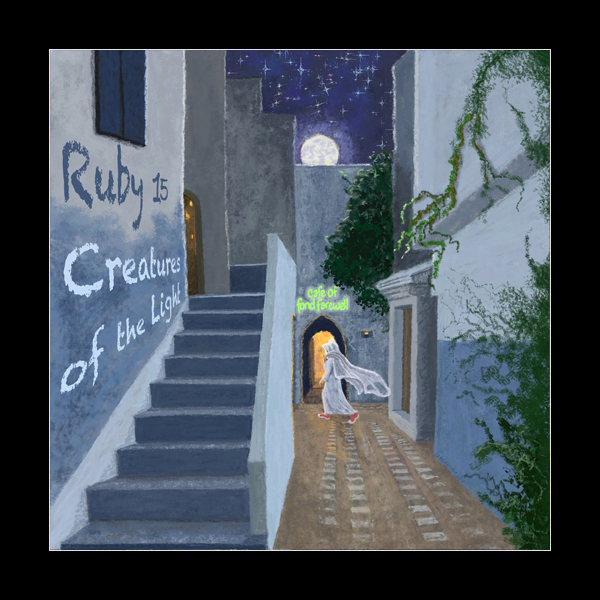
Ruby 15, Creatures of the Light is now available!